Map legend#
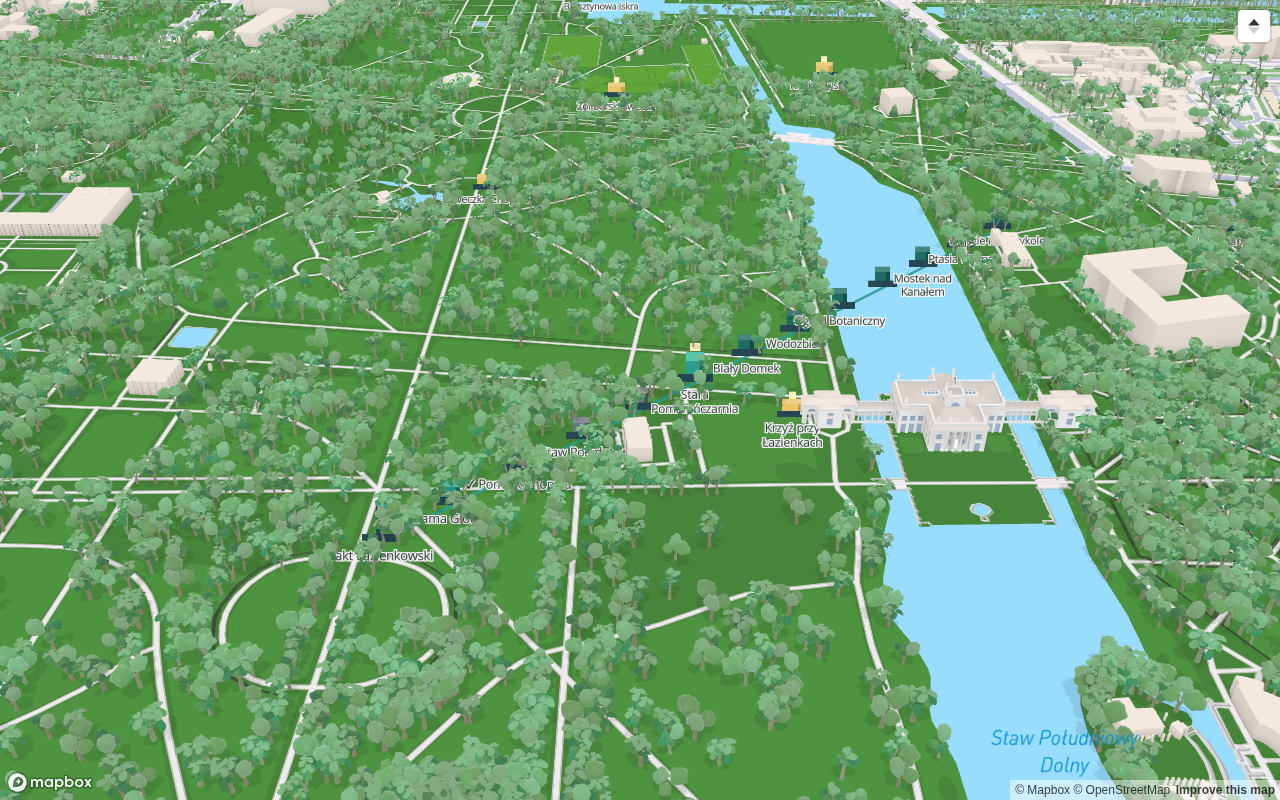
Every marker in Fyndi is built from blocks, just like your character — that way the whole map reads in one language. This screen answers a single question: what does the shape I can see mean.
Markers: what the shape means#
| Marker | What it looks like | When you can see it |
|---|---|---|
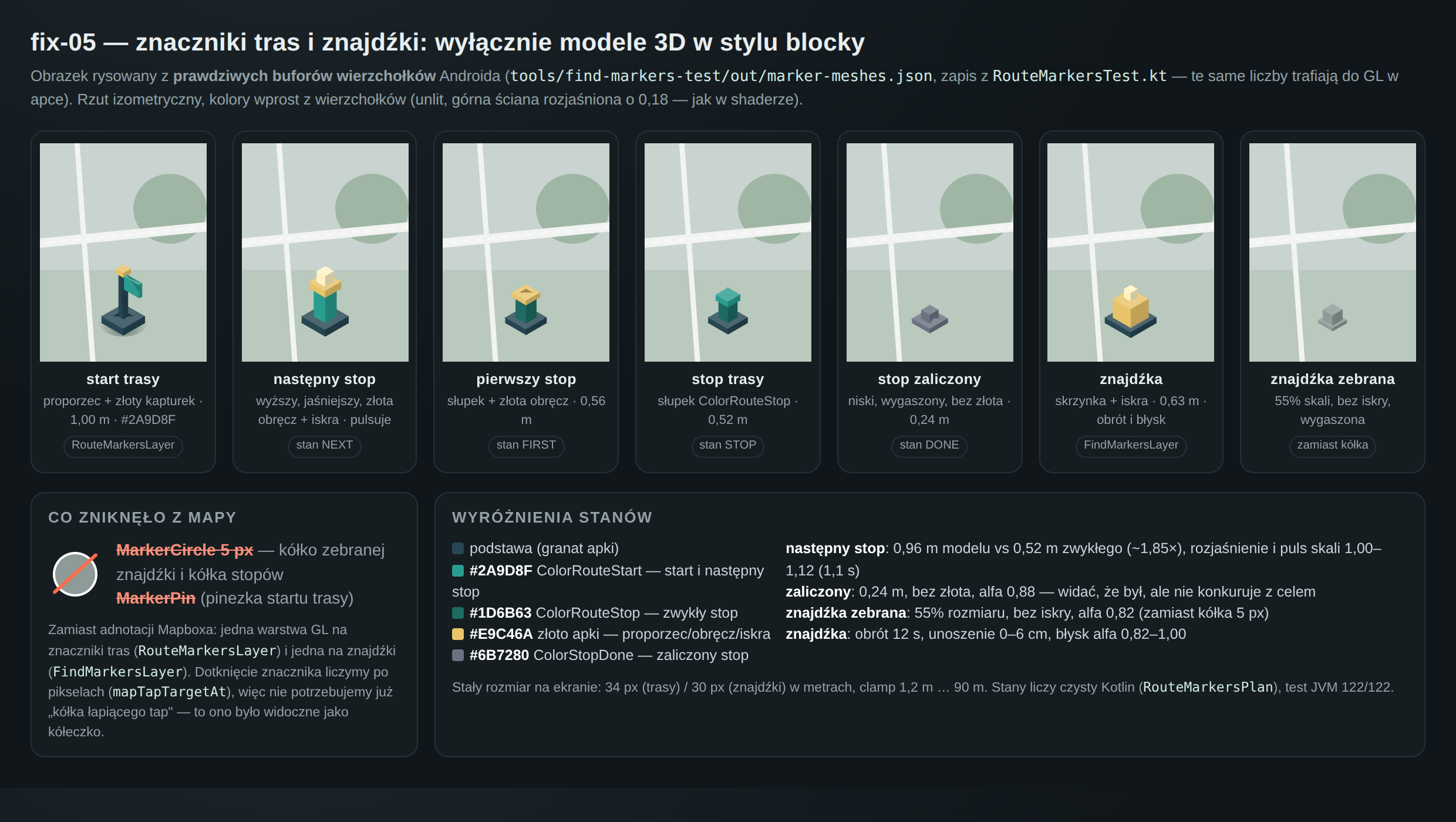
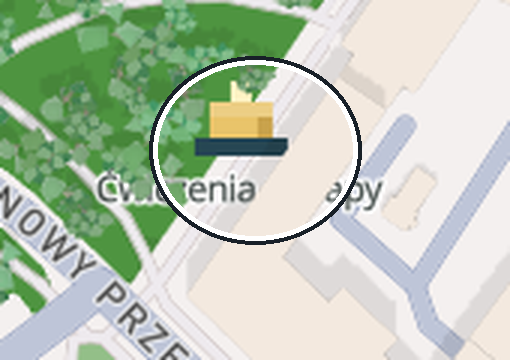
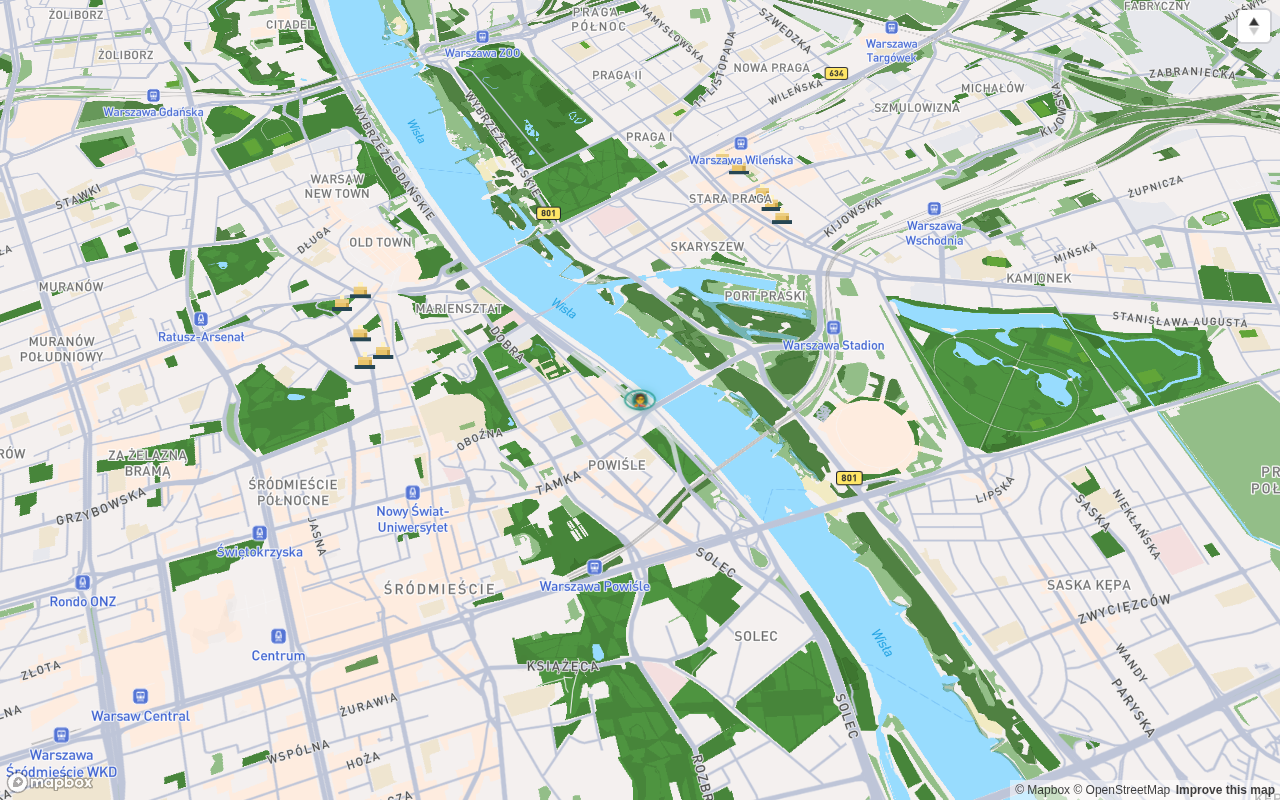
| Find to collect | a block: dark base, gold box, a cream spark above it | at all times, at every zoom level |
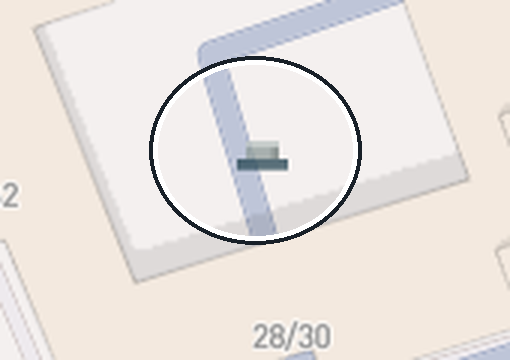
| Collected find | the same block at 55% size, greyed out, without the spark | only from close up — from a distance collected finds are hidden so they do not clutter the map |
| Route start | a flag on a post with a gold cap | while you look around — every route shows only its start first |
| Route stop | a post; the first stop has a gold rim, the next one is taller, pulses and carries a spark, a completed one is low and grey | after tapping a route or while you are exploring |
| NPC bot | a figure + an oval ring under its feet, and from close up a name | while the bot is on duty and you are nearby |
| Other player | an ordinary figure, without a ring or a name | only when both of you have player visibility turned on |
Finds#
- To collect — the full block with the spark, its name visible at a closer zoom.
- Collected — dimmed, smaller, without the spark; they only appear when you zoom in a lot. That is deliberate: the map should show what you can still do.
- When there are a great many finds nearby, the map draws the nearest ones and skips the rest — nothing is lost from the list, it simply does not clutter the view.
Route stops#
| Stop state | What it looks like |
|---|---|
| First | a post with a gold rim |
| Next (the one you are walking to) | a taller post, gold rim and a spark; it pulses gently |
| Ordinary | a low post |
| Completed | low, grey, without gold |
The drawing order is fixed so that the next stop never disappears: even with a very large number of markers, the map draws the guidance stop first, then the first one, then the ordinary ones and the completed ones last.
Bots and other players#
- A bot = a figure + a ring under its feet + a name at a closer zoom. The ring has a fixed minimum size, so you can see it even when the figure itself is only a few pixels tall.
- Another player = a figure without a ring or a name. That is not a bug: the ring is the mark of a character driven by the server.
- Tapping a figure or its name opens a card — that is where you learn who it is and what it hands out (City bots).
A find is not a route stop#
Two different kinds of content, even when they stand in the same place:
| Find | Route stop | |
|---|---|---|
| What it belongs to | the city — no route needed | one specific route |
| How many times | once — after collecting it leaves the “to collect” list | once during a single run of the route |
| When it is visible | always on the map | after tapping a route or while exploring |
| What it gives you | an entry in the backpack, a counter and badges (Rewards and badges) | route progress and its completion |
Colours and theme#
Marker colours are fixed in both themes — only the map underneath them changes:
- turquoise is routes, characters and bot rings,
- gold is finds and highlights on a route (the first and the next stop),
- grey is everything already completed or collected.
The theme (day, dusk, night) changes the map's brightness, not the markers: Theme and appearance.
Documented for app version 0.120.1 (updated 2026-09-26).
Machine translation — the Polish version prevails.