Finds#
Finds are side treasures scattered around the city. They are always visible on the map and you collect them at any moment — including when you are not touring any route. It is the simplest way to do something in Fyndi “along the way”.
What a find looks like#
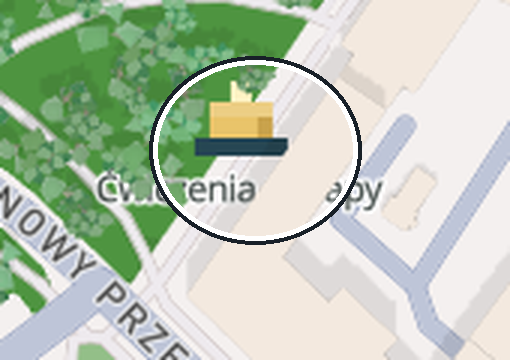
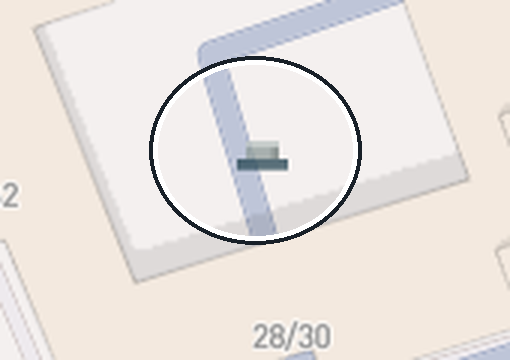
A block built from three parts: a dark base, a golden chest and a cream spark that slowly turns and floats. Collected finds stay on the map as smaller and grey, without the spark — you see them only when zoomed in close. Full description of the markers: Map legend.
How to collect a find#
- Tap the block on the map — the find card opens with its name, description and distance.
- Tap Navigate if you are not sure where to go — the app draws an approach line (Navigation).
- Walk to the spot. When you are too far away, the card shows Come closer (~120 m).
- Tap the collect button — its text depends on the kind of find: Collect find, Solve the puzzle and collect or Open AR.
- Once collected you see the confirmation Collected: name, and the marker goes dark on the map.
Collecting needs neither an active route nor a route to exist at all — it is enough to be within the find's radius (45 m by default; the content author can set a different radius).
Kinds of finds#
| Kind | What you have to do | Button on the card |
|---|---|---|
| Plain (GPS) | enter the point radius | Collect find |
| Puzzle | answer the question on the spot (letter case and spaces do not matter) | Solve the puzzle and collect |
| AR | open the camera and collect the 3D model from the real world | Open AR |
| Gift from a bot | walk within 50 m of the bot and ask it for a gift (once a day) | City bots |
Every find is one-off#
- You collect a find once — it never appears a second time, on any device and after reinstalling.
- Collected finds count towards the stats (“Finds” in the Profile), the backpack and badge progress.
- If a route stop also stands in the same place, that is a separate thing to do — explained in Map legend.
Where to see your collection#
| Where | What is there |
|---|---|
| Profile → Backpack | a grid of your haul: finds, wardrobe and gadgets tabs, with an item count |
| Profile → Journal | “Find collected” entries with a time — the full story |
| Profile (stats) | the Finds counter and the Badges tile (Rewards and badges) |
| Account on the website | the same collection and history at fyndi.app/account |
What collecting gives you#
- Tokens — collecting a find earns tokens, which you exchange for cosmetics and discounts (Rewards and badges).
- Badges — “First find” (1), “Hunter” (10) and “Collector” (25 collected).
- Backpack — every find stays in your collection for good.
Documented for app version 0.120.1 (updated 2026-09-26).
Machine translation — the Polish version prevails.