App updates#
Updating Fyndi is one tap in Settings — the app itself checks whether a newer release is on the server, downloads the file and starts the installer. You can also download the same file by hand from our website, for example onto a new phone.
How the app learns about a new version#
We document version 0.120.1 here, and the newest release in our archive is 0.120.1. The app compares its own version number with the downloads/manifest.json file on the server: if the archive holds a release with a higher number, Settings offers to download it.
Updating inside the app#
- Tap Profile → Settings → the About tab.
- Open the App update section and tap Check for updates.
- If a newer release exists, a Download and install row appears with the version number — tap it.
- Wait for the download (tens of megabytes), then tap Install in the system window.
- After installation open Fyndi — your account, character and progress are all there.
Manual installation (new phone, second installation)#
- On your phone open fyndi.app/downloads/latest.apk.
- Open the downloaded file from the download notification and choose Install.
- Log in with your address and password — your progress comes back from the server.
First steps after installing: First steps; phone requirements: Installation.
What the version number means#
| Notation | Meaning |
|---|---|
0.120.1 (version name) | The one you see in Settings; the last digits are small fixes inside the same release |
Build number (versionCode) | An internal counter that grows by 1 with every release — this is how the app knows a file is newer |
| Release date | The publication date of the file in the archive, shown on the releases page |
When an update fails#
| What you see | What to do |
|---|---|
| “Check for updates” finds nothing | You already have the newest release, or the phone has no internet — check the connection and try again |
| The download stops halfway | Free up space on the phone (tens of megabytes) and retry |
| “App not installed” | The file's signature does not match the installed version — uninstall the old Fyndi and install the new one |
| The installer does not start after downloading | Open the file from the download notification and allow the browser to install apps |
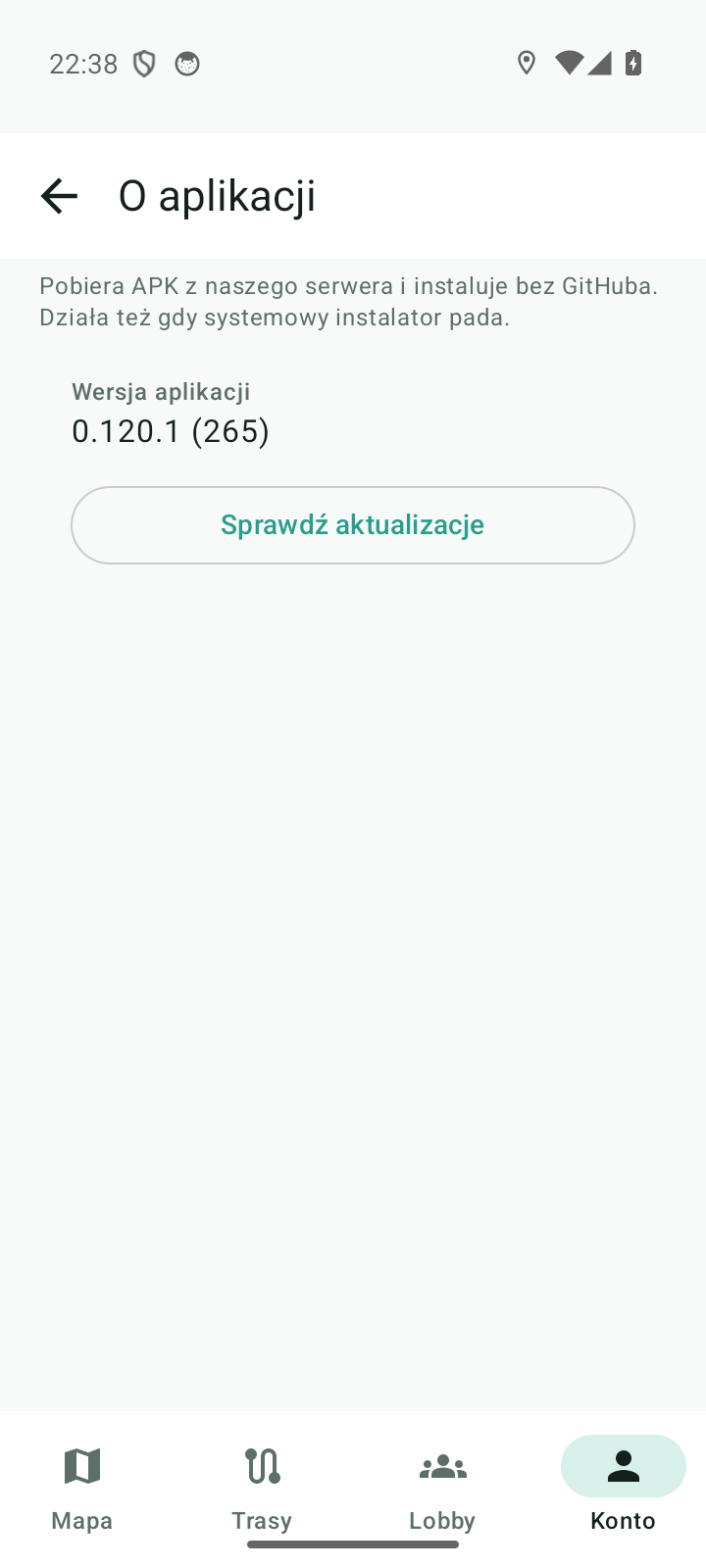
Documented for app version 0.120.1 (updated 2026-09-26).
Machine translation — the Polish version prevails.