Fyndi — documentation#
Fyndi is a phone app for exploring a city: a map with walking routes, stops to complete, finds to collect, a character you create yourself and an AR view where the city comes alive. This documentation describes what you see on screen and what to do, step by step — no code required.
What Fyndi is#
Fyndi guides you through the city like a companion walking next to you: it shows a route meant for pedestrians, tells you where you are and makes sure you do not miss what is worth seeing. You complete route stops, hunt for finds, meet bots and create your own character to walk with you.
App icon#

The app is free; you create an account to keep your progress, but your first steps work without one. The latest release and project information live at fyndi.app.
Where to start#
If this is your first meeting with Fyndi, go through these pages in order — from installation to your first piece of the city explored.
| I want to… | Page |
|---|---|
| install the app on my phone | Installation |
| go through the first launch | First steps |
| know why I need an account | Account and profile |
| start without registering | Playing as a guest |
| have the newest app version | App updates |
How to read this documentation#
Every page starts with one sentence saying what it is about, followed by numbered steps. Wherever you choose between options there is a table — a table reads better on a phone than a paragraph. Anything easy to trip over (permissions, GPS, offline mode) is highlighted in a box.
| What you are looking for | Where it is |
|---|---|
| Installation and first launch | the Start group in the index on the left |
| The map screen and gestures | the In the city group |
| Routes, stops, finds, bots and rewards | the Exploring group |
| Character, AR view, camera and offline mode | the Character and AR group |
| Every option on the Settings screen | Settings → "App settings" |
| Answers to "why does it behave like this" | the Help group |
| Build, releases and data | the Technical group |
The search box sits above the content and works within the current language. Press / to put the cursor into it (Esc closes the results). On a wide screen the right column lists the sections of the current page, and each heading has a # sign you can use to copy a link to that exact spot.
Screenshots in this documentation#
Every screenshot comes from the real app, not from a mock-up. Each one has a caption saying what you see and what to do, plus the app version and date it was taken with. Screenshots are refreshed with releases — a shot from an older version does not mean "out of date": it means that screen has not changed.
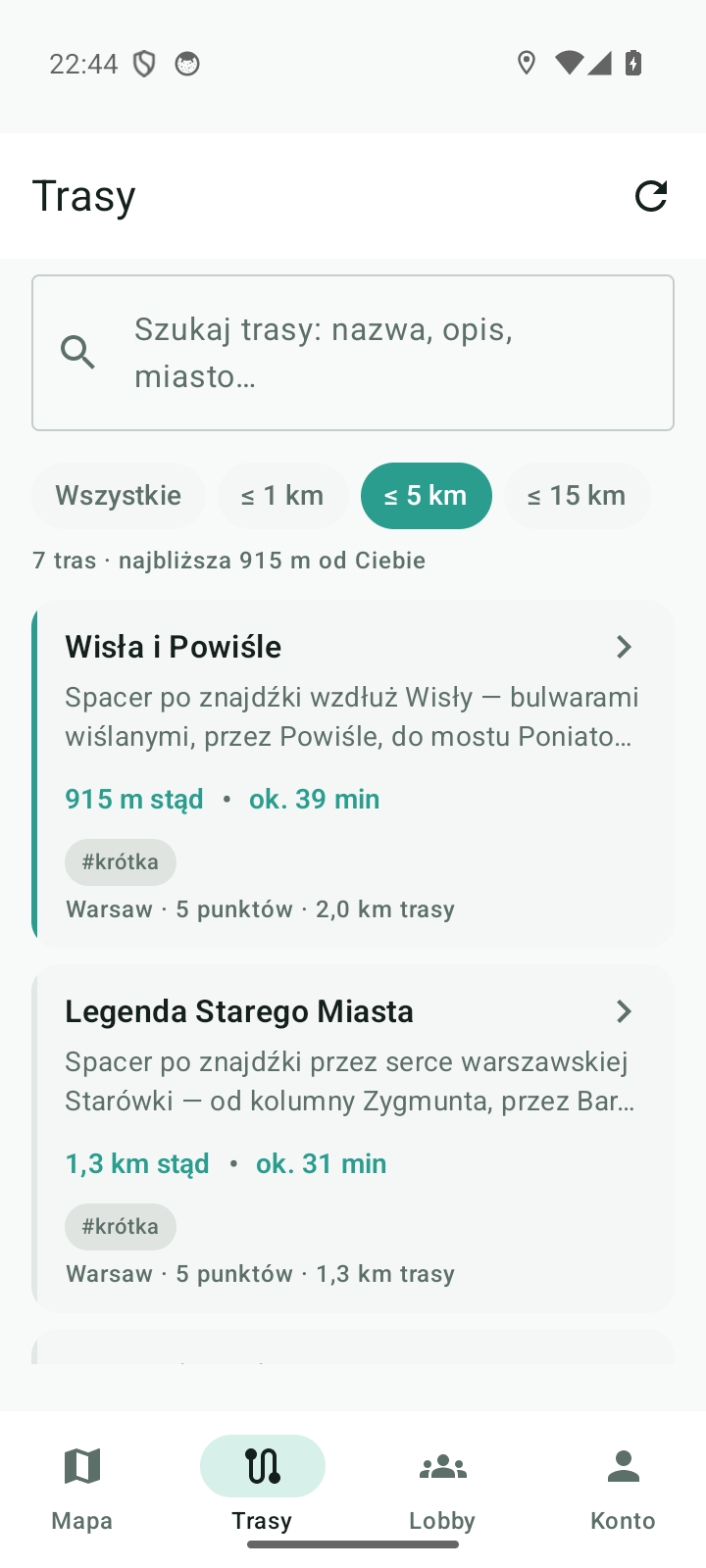
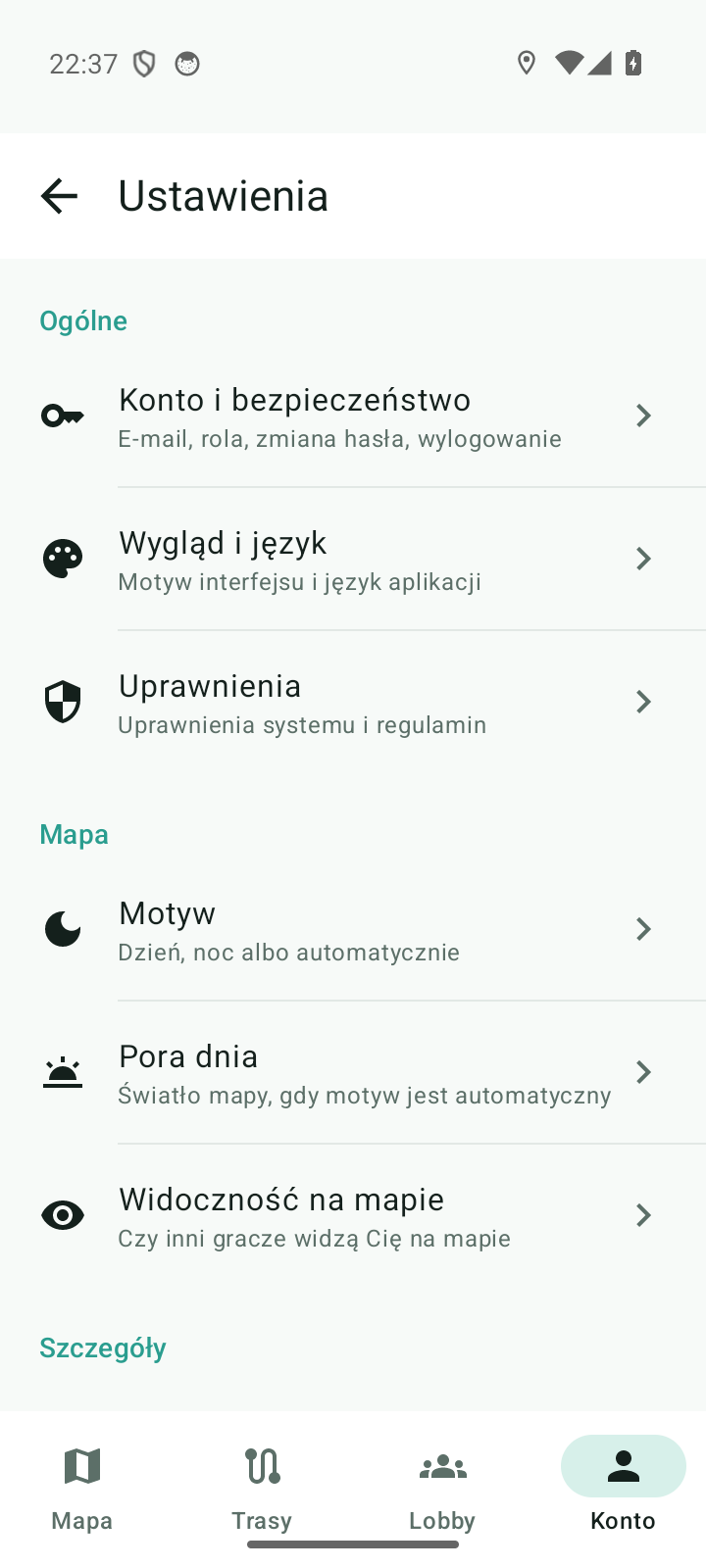
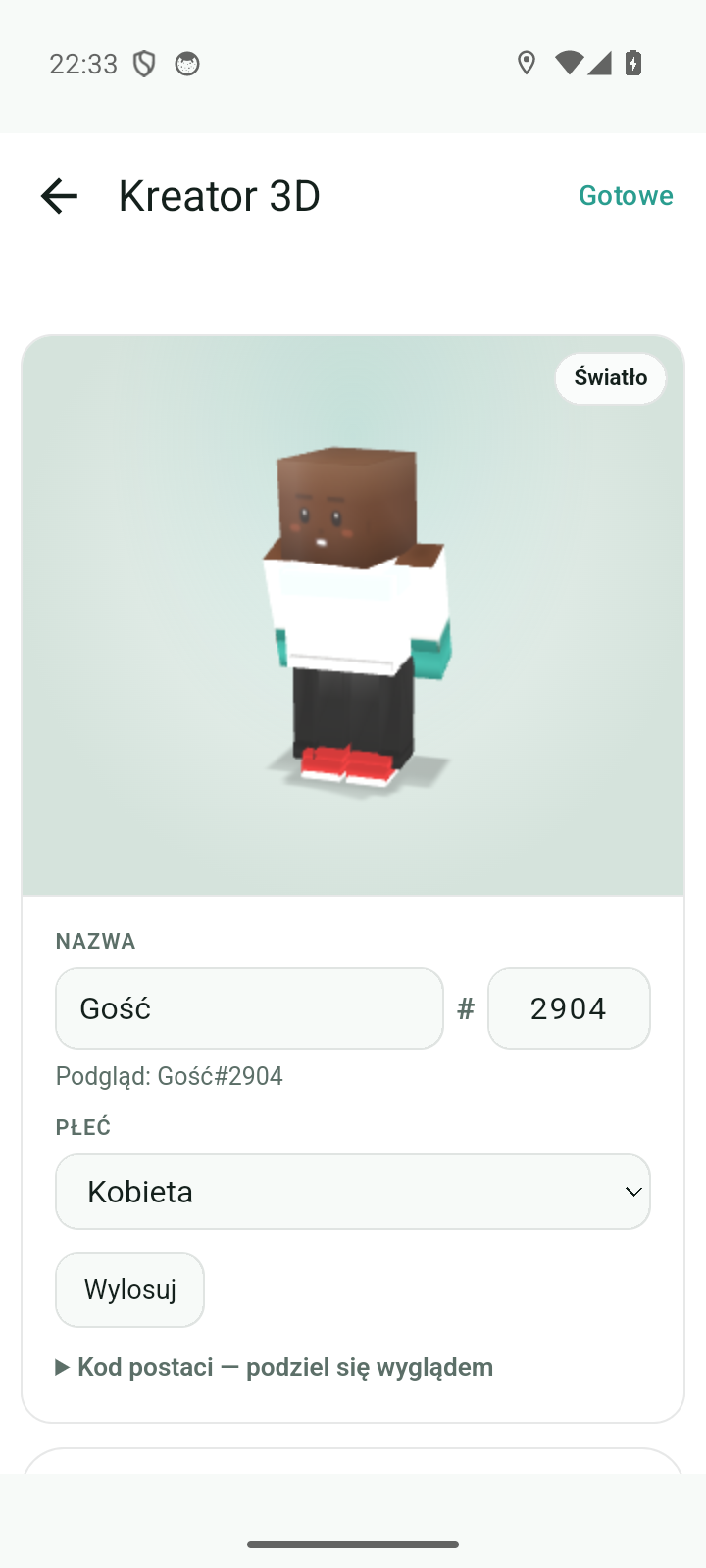
Documented for app version 0.120.1 (updated 2026-09-26).
Machine translation — the Polish version prevails.