Account and profile#
Your account holds your progress: completed routes, completed stops, collected finds, kilometres walked and your character's look. You create it with an email address and a password, and the same account works in the app and on fyndi.app.
Why you want an account#
- Progress lives on the server, not in your phone — switching phones, reinstalling the app or updating it destroys nothing; after logging in everything comes back.
- Character and statistics are shared between the app and the website — you see the same character in the app, on the account page and in the web creator.
- Without an account you play only until you leave the app — that is how guest mode works, where every exit deletes your data.
Creating an account#
- On the login screen choose the Sign up tab.
- Enter your email address and a password (at least 8 characters), repeat the password.
- Tap Create account. You immediately get a random character and enter the map — step by step in First steps.
- You can change your character's look at any time in the character creator; you set the name and tag (the
name#tagidentifier) together with the look.
The Account screen in the app#
The account opens from the bottom bar (the Profile tab). What is on it:
| Element | What it shows |
|---|---|
| Character and 3D preview | Your character standing in the preview; tapping it opens the look editor |
The name#tag identifier | Your name as other players see it |
| Distance: today, 7 days, total | Kilometres walked in recent days and since the beginning |
| Completed routes | How many routes you finished and how many stops you completed |
| Collected finds | How many treasures are in your collection |
| Trip history | A timeline: route starts, completions and abandonments, completed stops, collected finds |
| Shortcut rows | Entries to your character, settings, the offline pack and bots |
| Create account | A highlighted row shown only to guests — Playing as a guest |
Your account on the website#
On fyndi.app/account you log in with the same address and password as in the app. There you find your account details, password change, achievements (kilometres, routes, stops, finds), a character preview and the activity history. Editing your character's look happens in the app or in the web creator (Character and creator).
Password, role and logging out#
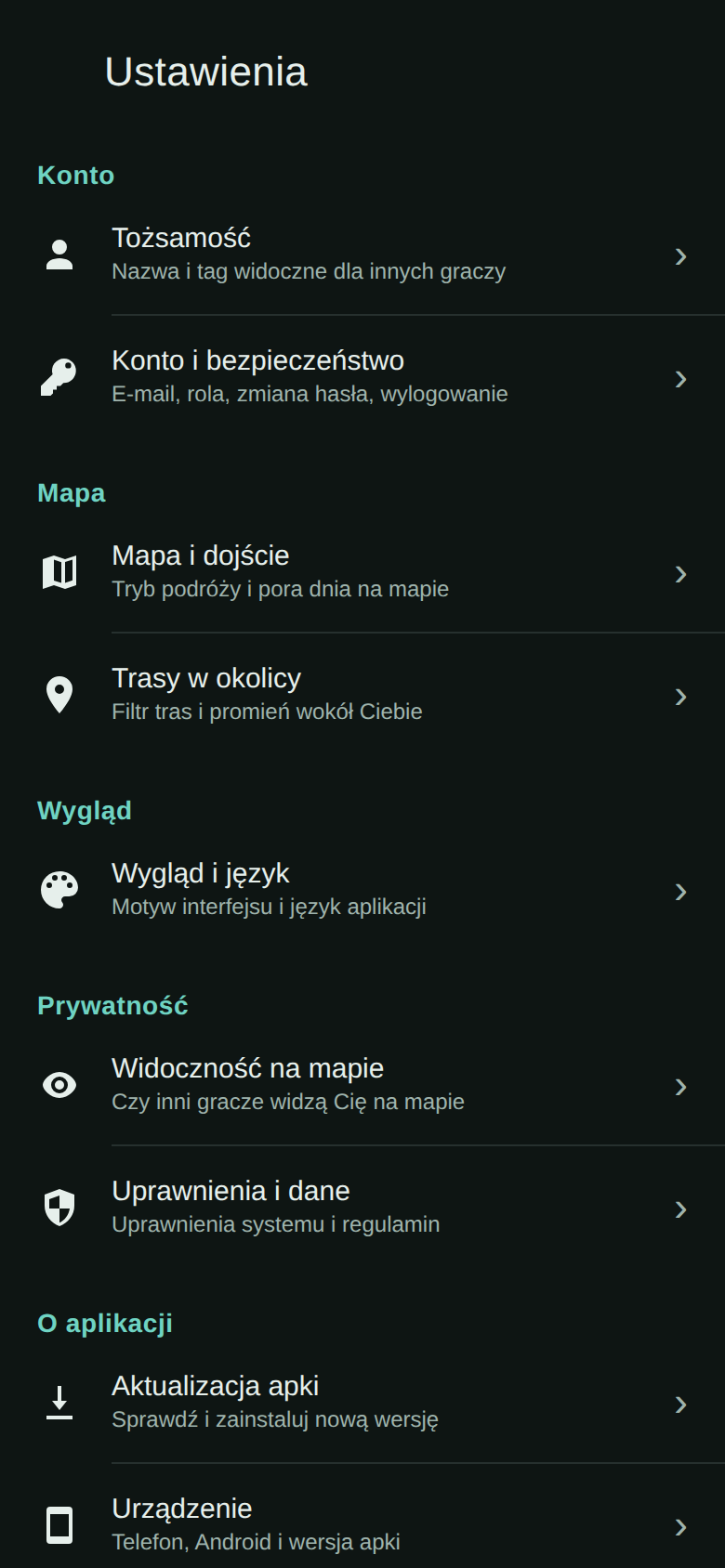
Everything account-related sits in one place: Settings → Account & security. The section has four rows: Email (your address), Role (e.g. user), Change password (it asks for your current password and the new one twice) and Log out.
If you forget your password#
The app has no self-service password reset today (there is no “Forgot password” button). Write to us through Reports and bug reports — we only need the email address of the account. After a password change all previously logged-in devices are signed out and you will have to log in again.
Documented for app version 0.120.1 (updated 2026-09-26).
Machine translation — the Polish version prevails.