
City bots#
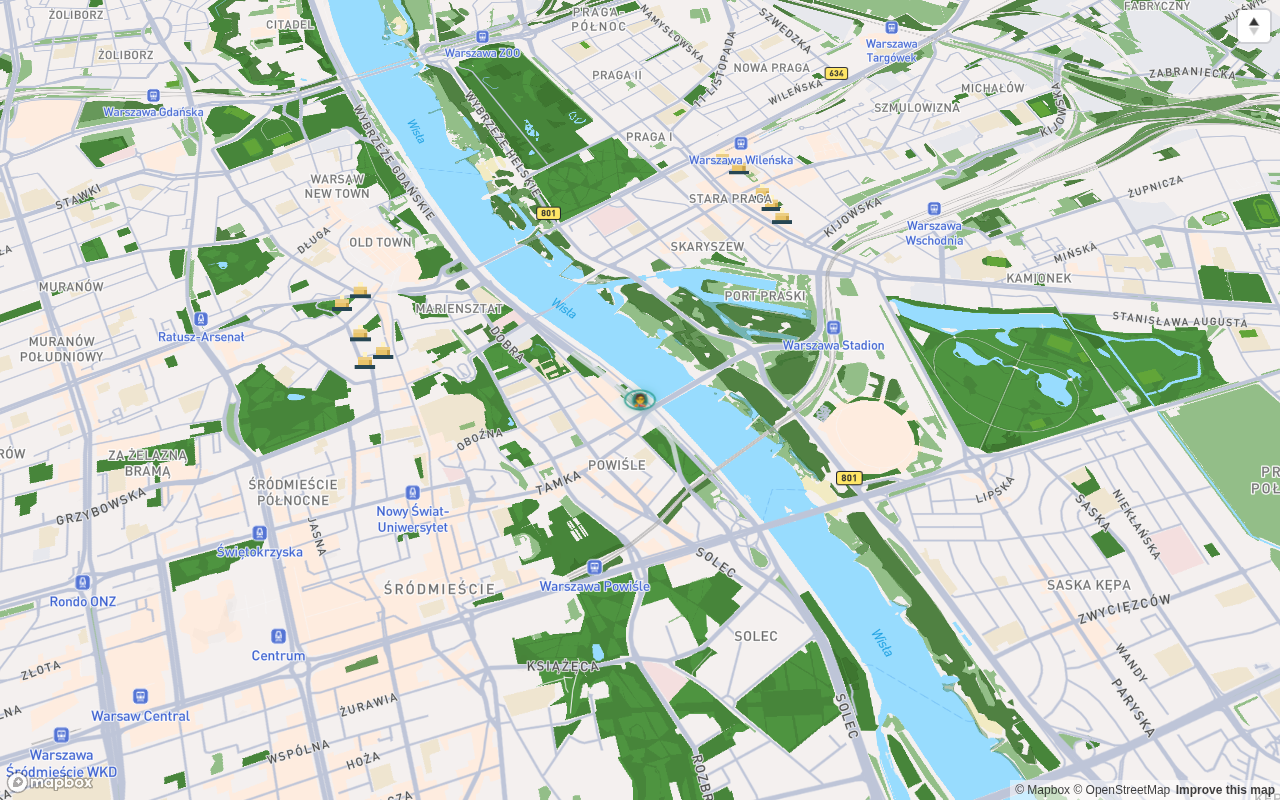
Bots are server-driven characters that walk around the city on their own loops — like passers-by. They walk along roads and pavements at a strolling speed (about 1.2–1.4 m/s), and their position is computed by the server, so everyone sees the same bot in the same place (the app and the website show the same thing).
What bots are for#
- They bring the city to life: on a route you pass characters that are not other players.
- They hand out finds — a one-off gift for your collection.
- They act as a guide to the area: a “guide” bot walks a particular part of the city (e.g. Powiśle), so its presence tells you where something is going on.
How to recognise a bot on the map#
| Element | What it looks like |
|---|---|
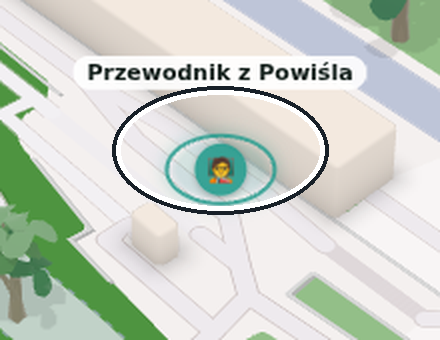
| Ring under the feet | oval, in the accent colour; it has a fixed minimum size, so it is visible even when the figure itself is a few pixels tall |
| Name above the character | appears when you zoom in closer; names do not overlap — you see at most a few of the nearest bots |
| Bot card | opens when you tap the figure or its name: kind, distance, route length, state (“Walking the route now” / “Paused at a point”) |
A gift from a bot#
- Tap the bot to open its card.
- When you are within 50 metres, the card shows Ask for a gift with a hint that you will receive a find for your collection.
- Tap the button — the gift lands in your backpack as an ordinary find.
Rules that do not change:
- Once a day from a given bot — another attempt the same day will tell you that you have already collected the gift.
- Only ever once: the same gift never repeats, not even on the next day.
- When you are too far away, the card says plainly: “Gifts are handed out from up to 50 m — come closer”.
Duty hours#
A bot appears on the map only when it is on duty. Every bot has a switch and a calendar:
| Setting | Example |
|---|---|
| Months | a Christmas bot only in December |
| Days of the week | a bot that appears at weekends or on specific days |
| Hours | an hourly window, e.g. evening, counted in Warsaw time |
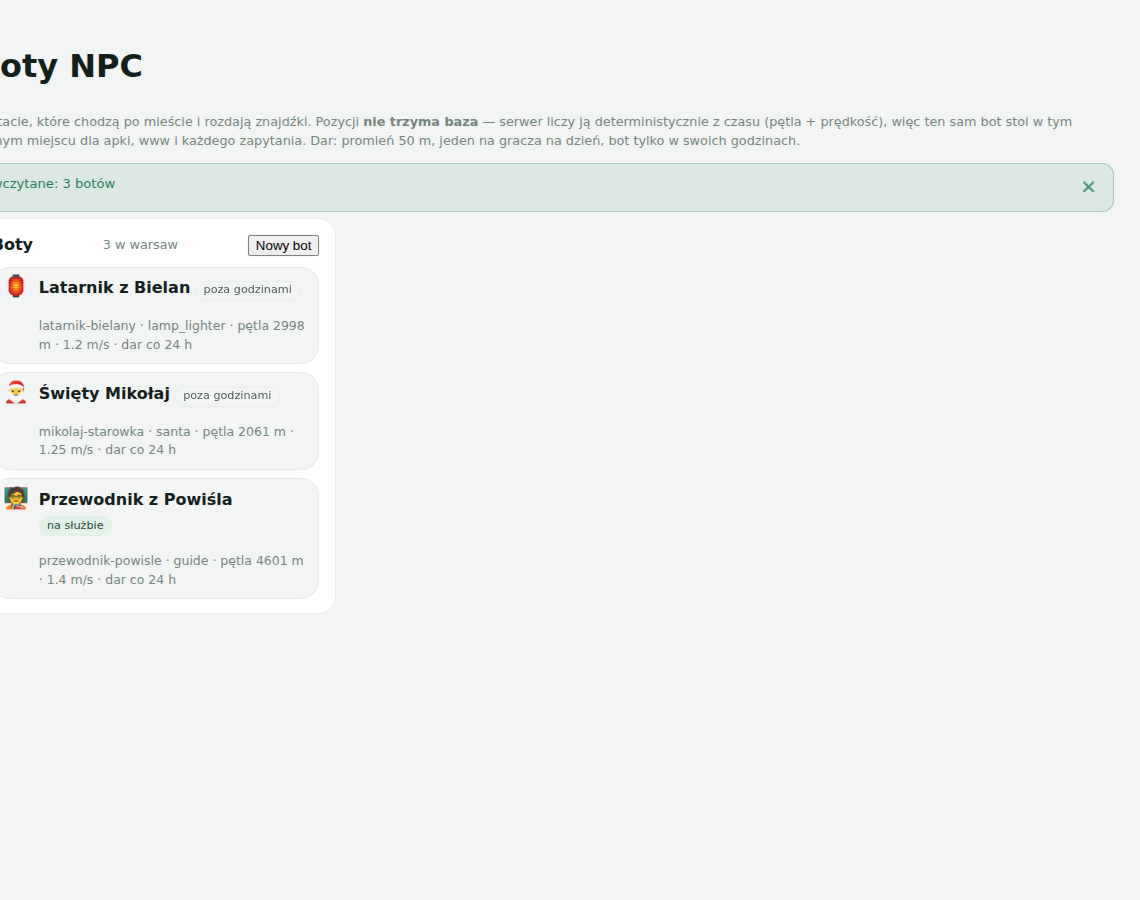
When off duty a bot is not on the map at all — it does not stand there waiting. That is not a bug: check the list on the Bots screen (below) if you are looking for someone.
How to find a bot#
Since bots roam the city, running into one “by chance” is hard. That is why there is a list:
- Go to Account → Bots (subtitle: “Characters walking the city — see where they are”).
- You see the bots on duty with an icon, a name and the distance from you, sorted from the nearest one (the screen is called “Bots on duty”; when there is no one, a note appears that no bot is on duty right now).
- Tap a row — the map flies to the bot and opens its card (“Tap to show on the map”).
What bots do not do#
- They do not walk over buildings or in a straight line — a bot's loop is laid out along real pavements, and when they leave the route they glide back onto it smoothly.
- They do not approach you — there are no push notifications or an automatic “bot right next to you”; you order the gift yourself by tapping the bot.
- They are not players — they have no accounts, do not appear in rankings and do not enter lobbies (Exploring together).
Documented for app version 0.120.1 (updated 2026-09-26).
Machine translation — the Polish version prevails.